Dental simulation lab management
Every task. Every student. Every faculty. One live board.
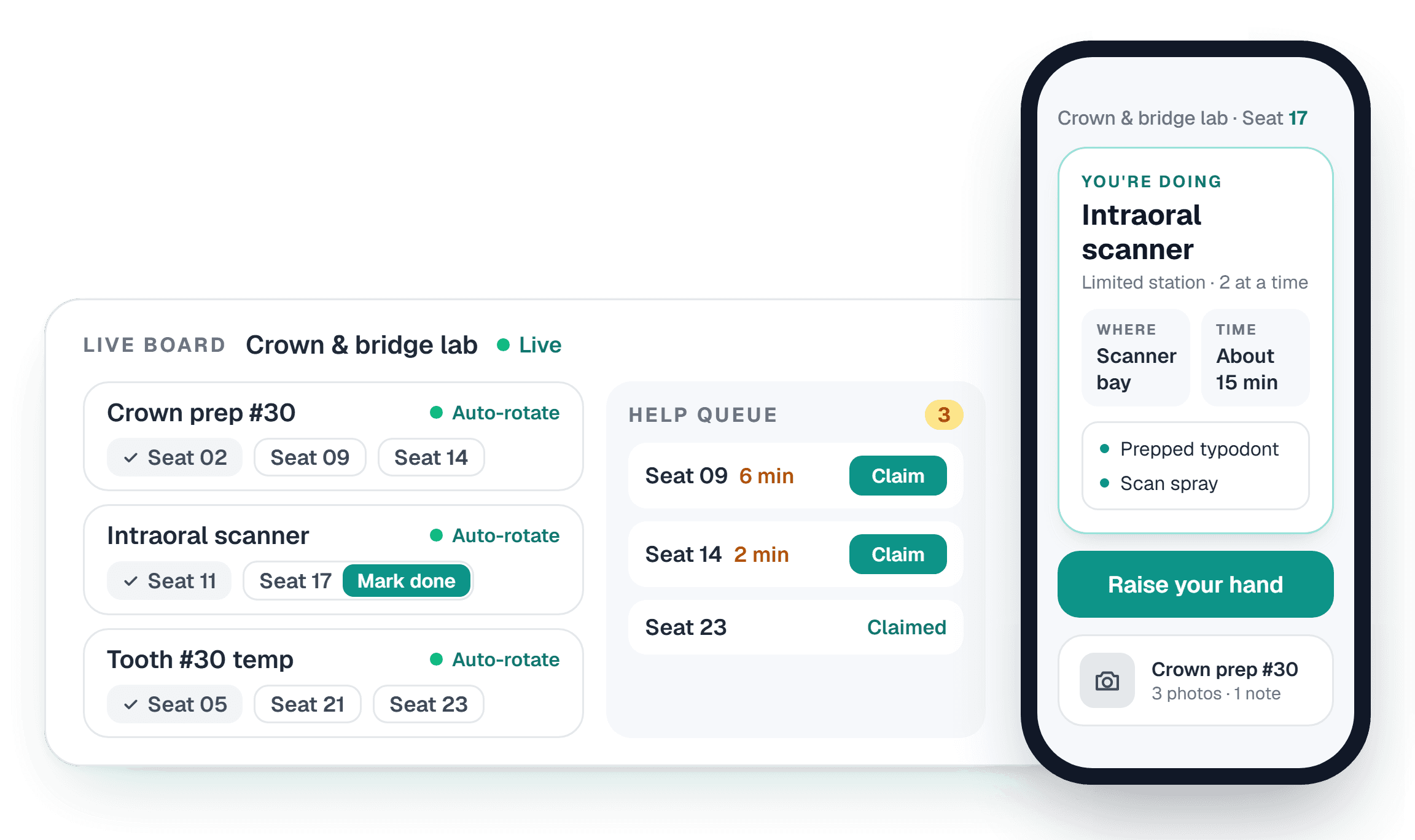
Faculty see who's where, who needs help and what's signed off, live. Students see what to do next on their phone.
Pilot with no roster and no integration · iPhone app and any web browser
Start the lab in one tap
One tap assigns the whole class to tasks. Mark a student done and the next one rotates in by itself, or press Rotate to see the moves first.
Easily recognize students that need help
Clear organization of students who need feedback on their tasks.
Concrete data on every student and faculty
A digital record of every sign-off, help request and photo attempt, and the faculty member behind each one.
A digital snapshot of progress
Catch struggling students early, with a photo of every prep and faculty notes on the work.
How schools adopt it
The risk disappears before the data arrives
Run a lab before sharing a roster
Demo accounts hold no email address and no password, only a seat number and a PIN in a dental lab or a name and a PIN in an undergraduate one. Your professor runs real lab days with the real product while your school imports nothing and connects nothing.
Put your IT team in front of us
We'll walk them through exactly how it's built, complete your security questionnaire, and sign your data agreement (your counsel's template, not ours).
Full access, your rules
Students sign up under your registered email domains. No institutional email, no account. When your identity team is ready, SAML single sign-on is a configuration step, not a rewrite.
Custom features
If your lab needs it, we can build it
Every sim lab runs a little differently. If yours needs something SimLabDisplay doesn't do yet, tell us and we'll build it.
- 1
Tell us what you need
A report your dean asks for, a new kind of task, or a full feature built from the ground up.
- 2
We build it
Designed and built by SimLabDisplay around the way your lab already runs.
- 3
It becomes part of SimLabDisplay
On the same board and the same displays, with nothing new to install or learn.
Request a demo
See it run a lab day
We'll walk you through a live lab on the board and on a student's phone, then set up a pilot that needs no roster.
Request a demoAlready partnered? Log in.
Your IT team will have questions. Our security overview has the answers.